How to learn a language on a matatu: offline and low-data practice
Keep a language habit on a matatu or on slow data. What Convoria can do offline, and what still needs a connection.
You've got forty minutes on the matatu, and you finally want to do your lesson. Then the app wants to download something, the signal drops to one bar somewhere past the stage, and your bundle is meant to last until Friday. So you close it and look out of the window instead. That's how a lot of language streaks quietly die.
The useful question is not whether an app has a Wi-Fi logo. What you really want to know is which bits of a lesson keep working when the network goes, and which bits you should save for when you're back on Wi-Fi.
Convoria is the language app we make at Beacon Creek. The Android app bundles a starter pack, and you can save a course unit to the device from the learning path. The AI tutors need a connection. New accounts get 30 days free with no card, on the web app and the free Android APK.
Pack on Wi-Fi. Speak with the tutor when you have signal. Do not leave a large download to the moment you board.
Key takeaways
- The Android app includes a starter pack (the first lesson of each course, plus placement) so you can open it without a download.
- You can also save a course unit — its lessons and narration — from the learning path. That is a unit pack, not a whole-language download.
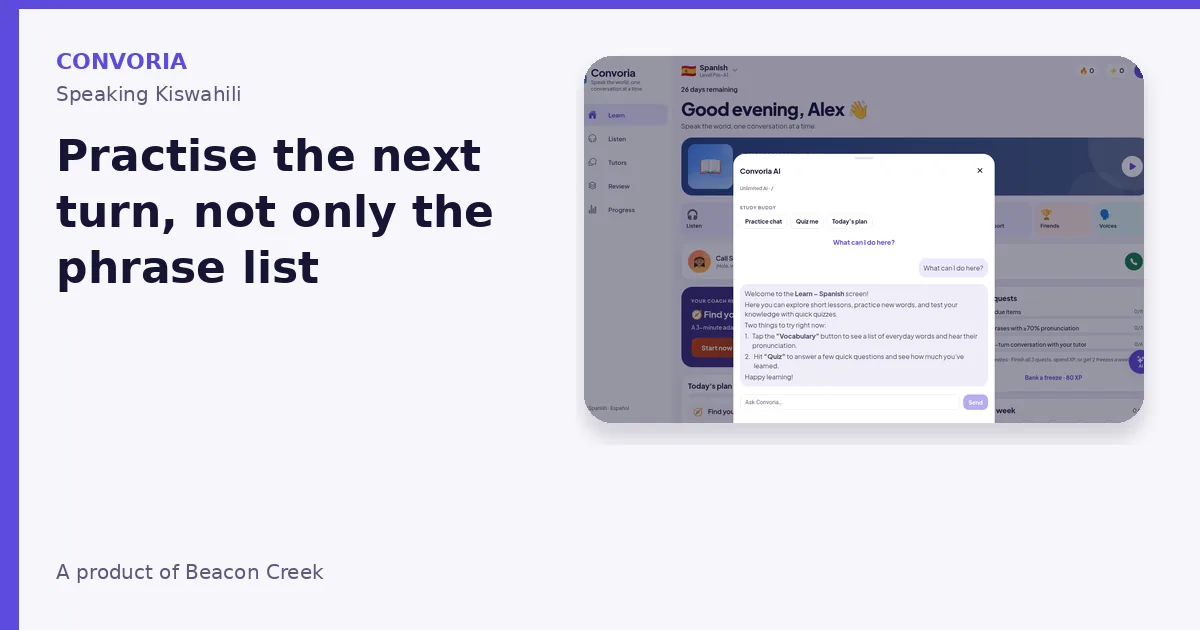
- Hold-to-talk calls, live scoring, and Stuck? Ask AI hints need a connection.
- This post does not quote a megabyte size for a pack, because we have not published one.
- Take the placement test on a connection, then save the unit you will actually use.
So what can I actually do with no data?

Here is what the app actually does today:
- A starter pack is bundled in the Android APK, so the first lesson of each course and the placement test can work offline from first launch.
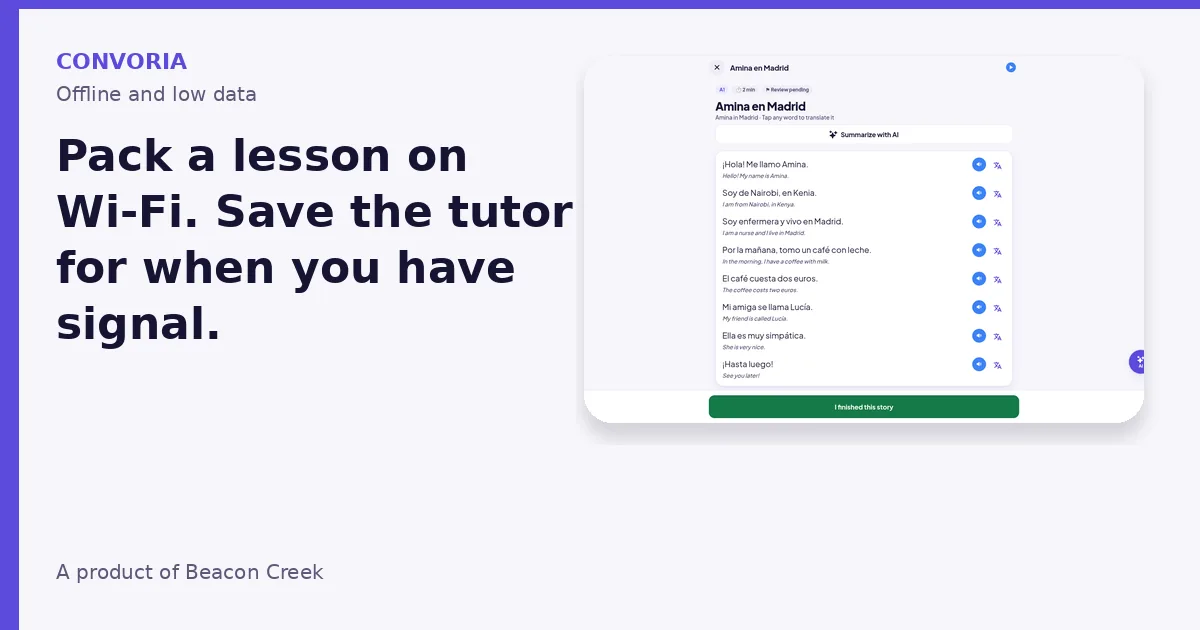
- From the learning path you can save a course unit to this device. The pack keeps that unit's lessons and tries to download matching narration. If the audio cannot be fetched, the lesson text still remains on the device.
- Low-data mode (on in Profile) prefers bundled voices and skips cloud text-to-speech. It is meant to stretch a bundle, mainly on the Android app.
- Progress continues to be recorded on the device when you are offline, then syncs when you have a connection. If you sign in, progress and tutor memory can also be backed up to the cloud.
The limit is just as important: AI tutors need a connection. Hold-to-talk calls, live scoring that depends on a network model, and Stuck? Ask AI hints all want signal, so plan those for when you have it, not for a dead spot on Thika Road. If something won't run, don't keep hitting retry and burning data. Switch to a unit or story you already saved, or some Sounds & Letters practice you already have on the device.
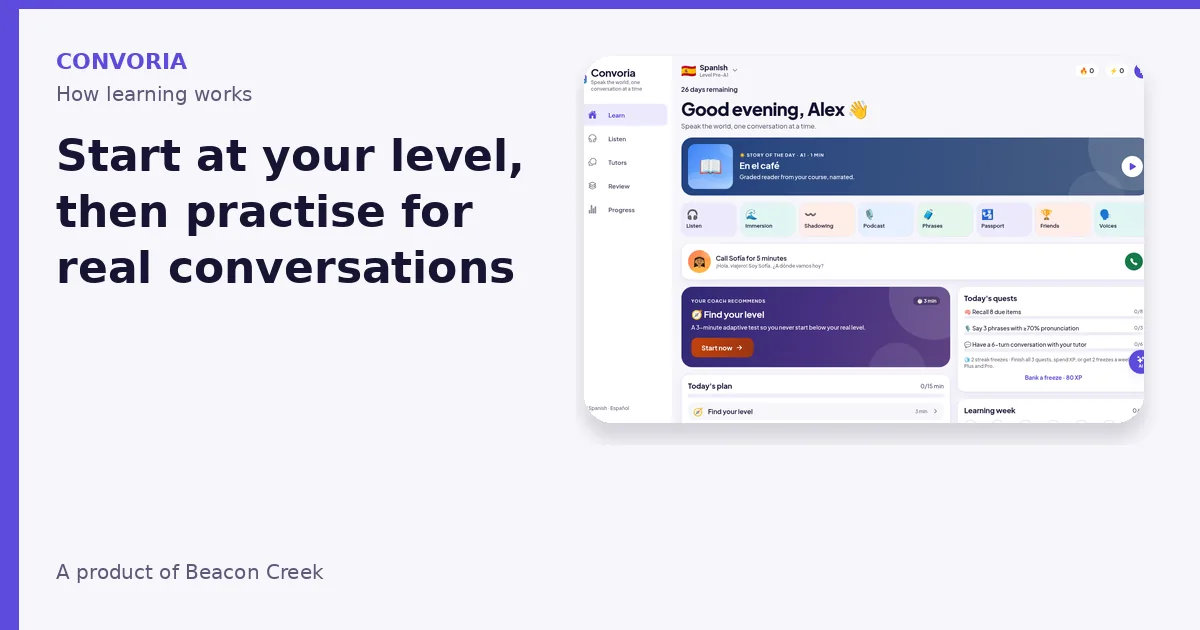
How learning works in Convoria also covers Sounds & Letters (phonics-style practice), CEFR levels all the way to C2, and translations into your own language, with tap-to-translate in stories. If your commute is your study time, those are the bits to save first.
Packing for a week of commutes
You don't need some perfect playlist, just a small pack that fits the time you really have.
- When you're on Wi-Fi, whether that's at home, at work or in a café, save the course unit you will use this week from the learning path. Don't try to download "the whole language" at the kerb.
- Prefer the narration and lessons you'll actually use this week, not an entire level "just in case." Turn on low-data mode if you want to skip cloud speech.
- Then on the matatu, play a saved lesson or one of the graded stories, and if the people around you won't mind, say the lines out loud. Shadowing is one of the features, so go for it when you can listen without bothering the person squeezed in next to you.
- The next time you're on a steady connection, that's when to do the speaking that needs the AI tutor, like a short hold-to-talk call, a role-play or a scored correction. There's more on that in Practise the conversation, not just the phrase.
- And on a day with no signal at all, use the lessons you already saved. Plus and Pro plans include weekly streak freezes, which are a safety net, not an excuse to skip the lesson you could have packed the night before.
Do the placement test before you pack
Saved units are a lot more useful once the app knows your level. The placement test and test-outs exist so you're not carrying around beginner audio you outgrew ages ago. If you haven't done it yet, take it while you're connected, then save a unit from the level it puts you in.
The courses follow the CEFR scale, A1 to C2. Twelve languages are listed, Kiswahili, English, French, German, Spanish, Arabic, Japanese, Korean, Mandarin and Italian among them. Zulu and Kinyarwanda are in the set too, but native speakers are still reviewing them, so treat those two as under review for now.
One thing we've left out on purpose is a megabyte size for a pack. We haven't published that figure, so we're not going to guess.
Pack before the next commute
Open Convoria, or install the Android APK, and start the free 30 days whenever you're ready, no card needed. In your first connected session, take the placement test if you already know some of the language, then save a unit.
New accounts get a free month of Convoria. No card is needed.
Which phone, and what about shared phones?
Right now it's either a browser at convoria.vercel.app or the free Android APK. There is no live Google Play or App Store listing today.
Lots of us share a phone at home. If that's you, kids mode has a parent PIN and a daily time limit, and it is available during the free month and on the Family plan. SMS and WhatsApp messages from the product are opt-in. For the official rules on personal data in Kenya, including children's data, see the Office of the Data Protection Commissioner.
When a few people use the same Android phone, agree who's allowed to remove a saved unit, and switch on kids mode if a child should only get a short session each day. Don't count on a pack still being there if someone else clears storage. And if you change phones, save the unit again on Wi-Fi before you rely on it for the ride.
What it won't do for you
Offline practice won't mark a formal exam, and it's no replacement for actually talking to people at the market or in the office. It also can't run the AI tutor in a basement with no network. What it can do is keep the habit going on the days your bundle is tight, and for a lot of us those are the days a streak usually dies.
FAQ
Can I talk to the AI tutor on the matatu with no signal?
Sadly no. Pack a lesson or a story for the ride, and leave the hold-to-talk calls for when you're connected.
If I'm offline, do I lose my progress?
Progress is recorded on the device and syncs later. If you sign in, you can also back it up to the cloud. After a phone change, save the unit again on Wi-Fi.
How big is a pack, though?
We haven't published a megabyte figure, so we'd rather not make one up. Save only the unit you'll use this week, and turn on low-data mode if you want to skip cloud speech.
Is there an iPhone or Play Store app yet?
Not a store listing we can point you to today. Use the web app or the Android APK in the meantime.
Try it
Open Convoria, or install the Android APK, and start the free 30-day period when you are ready. No card is required.
New accounts get a free month of Convoria. No card is needed.

Beacon Creek Team